How to Use PLC in Control Panel for Optimal Performance?
In modern industrial automation, the role of "PLC in control panel" design is crucial for achieving optimal performance. Industry expert Dr. John McKenzie emphasizes, “A well-implemented PLC can transform efficiency in any operational setup.” His insights reflect the significant impact of programmable logic controllers on productivity and reliability.
At the heart of a control panel, the PLC serves as the command center. It processes inputs, generates outputs, and orchestrates machinery operations seamlessly. However, achieving the best performance is not always straightforward. Poor wiring, inadequate programming, or insufficient grounding can lead to issues that disrupt operations. One must consider these factors carefully to harness the full potential of PLCs.
Thoughtful planning during the installation phase is essential. Proper configuration and regular troubleshooting can mitigate risks. While many companies invest in advanced PLC systems, some overlook critical maintenance protocols. Continuous evaluation and refinement of PLC setups lead to sustained success. Balancing innovation with practical oversight creates an environment where the PLC in control panels can thrive.
Understanding PLC Basics for Control Panel Integration
Programmable Logic Controllers (PLCs) are essential in control panel design. Understanding PLC basics can significantly enhance performance. A PLC acts as the brain in automation systems. It processes inputs and commands outputs based on programmed logic. This integration increases efficiency, but it requires a solid grasp of its components.
To use PLCs effectively, one must comprehend its architecture. Inputs can range from sensors to switches, while outputs may include motors or lights. A suitable PLC configuration allows for seamless communication between these elements. It's vital to select the right PLC for specific tasks. Not all PLCs suit every application. Choose one with adequate processing power and input/output capacity.
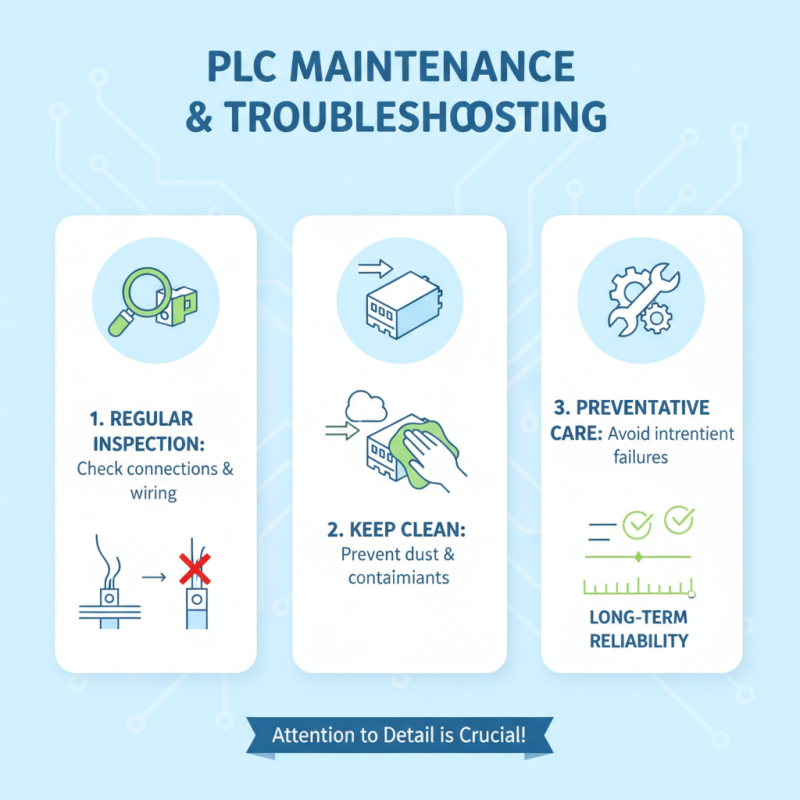
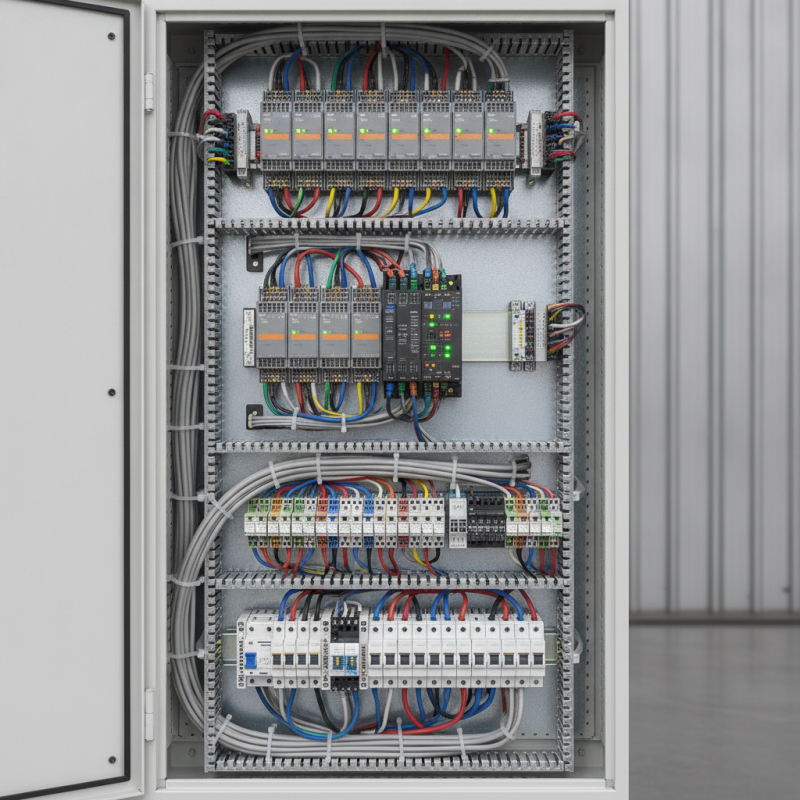
Moreover, planning the wiring is crucial. Properly labeled wires prevent confusion. It’s easy to make mistakes that can lead to malfunctions. Testing each connection can save time later. Sometimes, the programming logic may not function as intended. Testing in real scenarios provides insights. Continuously evaluating the system helps improve performance. Mistakes can lead to valuable lessons in automation. Experimentation fosters better understanding and stronger outcomes.
Key Components of a PLC Control Panel Setup
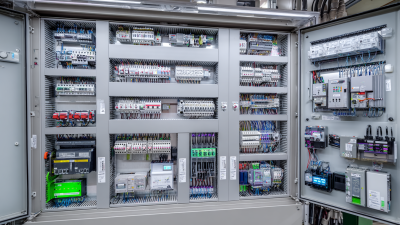
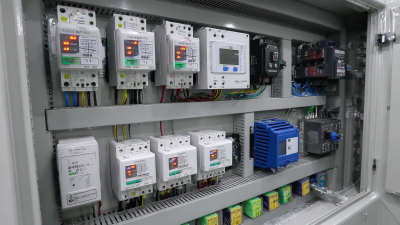
When setting up a PLC control panel, it's crucial to understand its key components. A reliable power supply is essential. It ensures the PLC operates smoothly. The input and output modules connect to sensors and actuators. These modules allow the PLC to gather data and activate machinery. Without robust modules, the entire system may falter.
Another vital component is the programming unit. It’s where the logic is defined. Users must learn how to manipulate this tool effectively. Complex logic can lead to unexpected results. Regular testing and adjustments are often necessary to refine the setup. Additionally, a proper cooling system is overlooked. It prevents overheating during operation, which could compromise performance.
Wiring plays a significant role as well. Good wiring practices enhance signal integrity. Poor connections can lead to erratic behavior, which complicates troubleshooting. It’s important to follow industry standards. Documentation also matters. Keeping records of every change allows for better maintenance later. Each element must work harmoniously for optimal operation. Reflecting on these components can lead to a more efficient control panel.
How to Use PLC in Control Panel for Optimal Performance? - Key Components of a PLC Control Panel Setup
| Component |
Description |
Functionality |
Importance |
| PLC Unit |
Main processing unit that executes programmed instructions |
Controls machinery and processes based on input |
Core of control operations |
| I/O Modules |
Interface between PLC and field devices |
Collects input data and sends output signals |
Essential for communication with sensors and actuators |
| Power Supply |
Provides necessary power for PLC operation |
Ensures all components receive adequate voltage |
Vital for system stability |
| Human-Machine Interface (HMI) |
Interface for operators to interact with the control system |
Displays system status and allows manual control |
Enhances user experience and operational control |
| Communication Modules |
Enables data exchange between PLC and other networks |
Facilitates remote monitoring and control |
Important for integrated system functionality |
Configuring PLC Parameters for Enhanced Performance
Configuring PLC parameters effectively is crucial for optimal performance. Start by understanding the specific requirements of your control system. Define the input and output ranges based on the machinery or process you are controlling. Accurate mappings enhance the response times significantly. Also, ensure that the sampling rate is set appropriately. A slower rate might miss critical events, while a faster rate increases the processing load unnecessarily.
Consider the environmental factors affecting your PLC. Temperature variations can influence performance. Therefore, monitoring and adjusting PLC parameters in response to these changes can prevent malfunctions. Regularly check for updates to the firmware. New updates often include performance improvements or adjustments that address specific operating conditions.
Documentation is key during this configuration process. Keep track of all adjustments made to the PLC settings. This practice allows for better troubleshooting in the future. Sometimes, the initial configuration may not yield the expected results. Reflecting on these outcomes can lead to valuable insights. Don't hesitate to revisit and tweak settings based on operational feedback. Consistent evaluation ensures lasting efficiency.
Integrating Sensors and Actuators in PLC Systems
Integrating sensors and actuators in PLC systems is crucial for achieving optimal performance in control panels. Sensors collect data from the environment, while actuators perform actions based on that data. Proper integration ensures accurate monitoring and seamless operation. For instance, a temperature sensor might trigger a cooling fan when the temperature exceeds a set threshold. This integration requires precise calibration to work effectively over time.
When selecting sensors, consider their response time and compatibility with your PLC. Each sensor type offers unique advantages. Some can operate in harsh conditions, while others provide high precision. This choice affects the overall efficiency of the system. Be mindful that incorrect sensor types could lead to data inaccuracies.
Tips: Regularly test the sensors and actuators. Document their performance to identify any inconsistencies. Adjust the programming to accommodate changes and enhance reliability. Sometimes, trial and error is the best way to learn what works and what doesn't. Embrace the process and acknowledge that not every integration will be perfect. Remain open to adjustments and improvements.

 Intelligent Manufacturing / Industry 4.0
 Motor Control Center MCC
 Data Center
 Environmental Industry
 Industrial Machinery
 New Energy
 Pharmaceutical Manufacturing
 Petroleum & Chemical
 Marine & Offshore & Ship
 Food processing / agricultural production